
This guide will help you on How to Add Mods using CurseForge in ARK Survival Ascended Server.
Adding mods via CurseForge in ARK: Survival Ascended is a user-friendly, efficient, and safe way to customize your server. With just a few clicks, you can transform your gameplay experience, making your server unique and engaging for your community.
How to Add Mods using Curseforge on your ARK Survival Ascended
1. Log in to your Game Control Panel and navigate to your service.
2. Before making any modifications, stop the server from running by clicking the Stop button.

3. Navigate to Curseforge Tab.
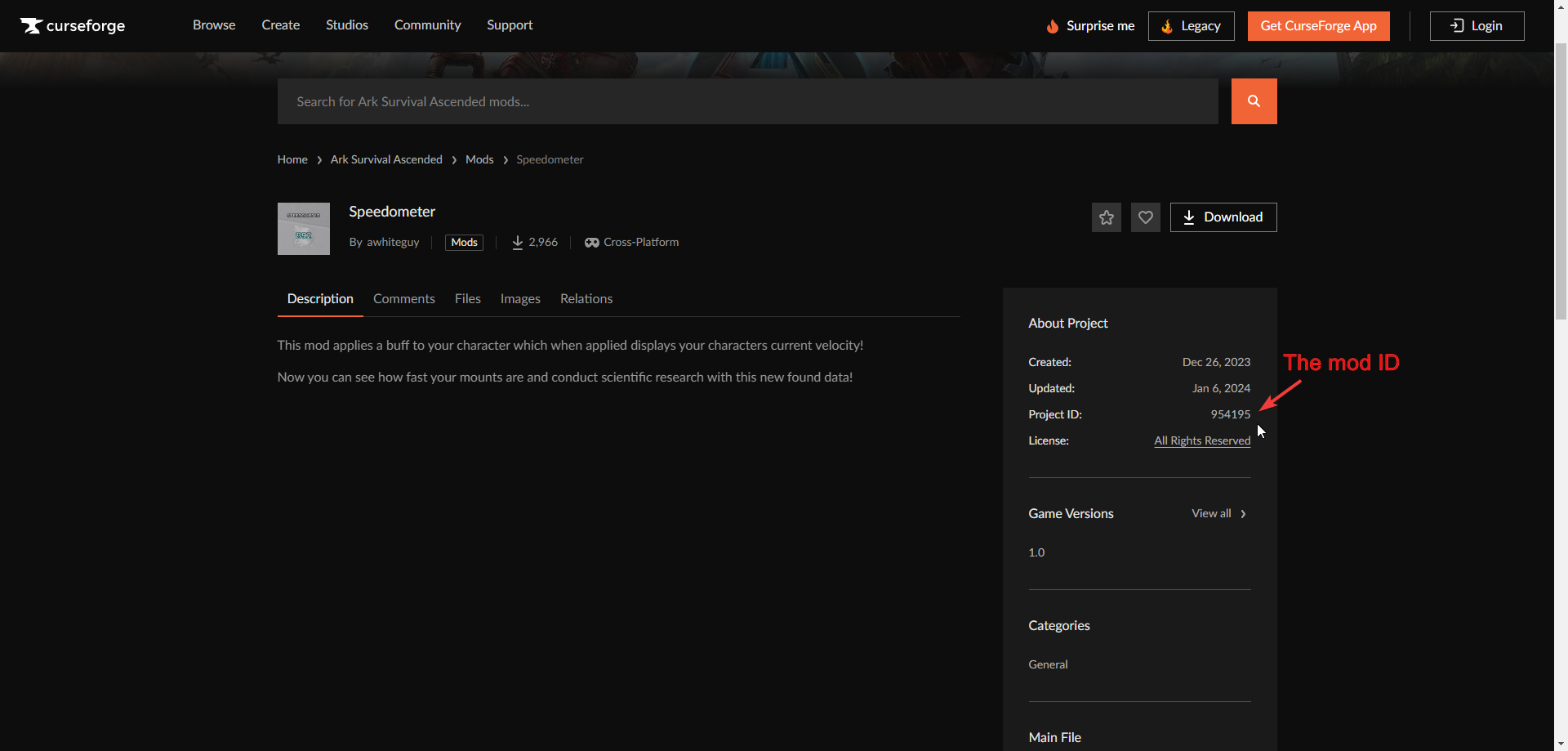
4. You can search for the mod you want in the search bar. Our mod selection is linked to CurseForge. Once you find the desired mod, click Install.

Note: Before downloading, please ensure that it is compatible with the current game version

6. Once the process has finished. The downloaded mod should be added and enabled by default.
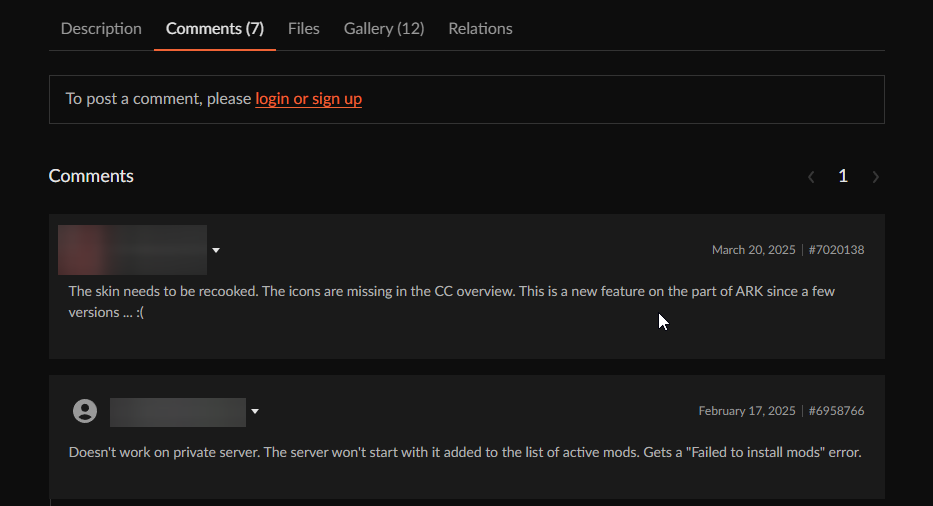
If you are using a Cosmetic/Skin mod, check the comments and description to see if it works with Dedicated/Player servers. Some might have an overwrite command to post in the configs to force load the mod.