

This guide will help you with how to Transfer Player Data Safely on your Hytale Server
Transferring player data to your Hytale server is an important step when you want to keep your character’s progress, inventory, and memories intact as you move from single-player to multiplayer. Because Hytale stores player information at the universe level, not inside individual worlds, moving these files correctly ensures that everything loads exactly as you left it. This guide walks through the process safely, explains where your data lives, and helps you avoid common mistakes that can lead to missing characters or corrupted saves. By the end, you’ll be able to migrate your player data with confidence and keep your adventure running smoothly on your server.
Moving Player Data to Your Hytale Server
1. Launch the game.
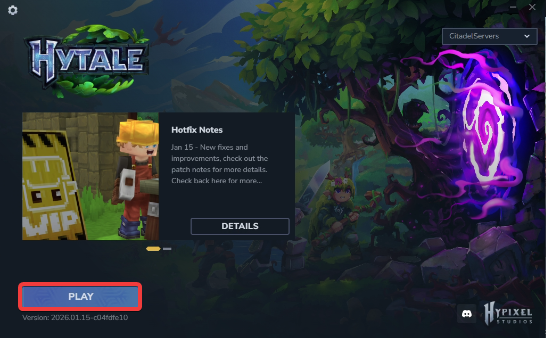
2. Open the World's Menu.
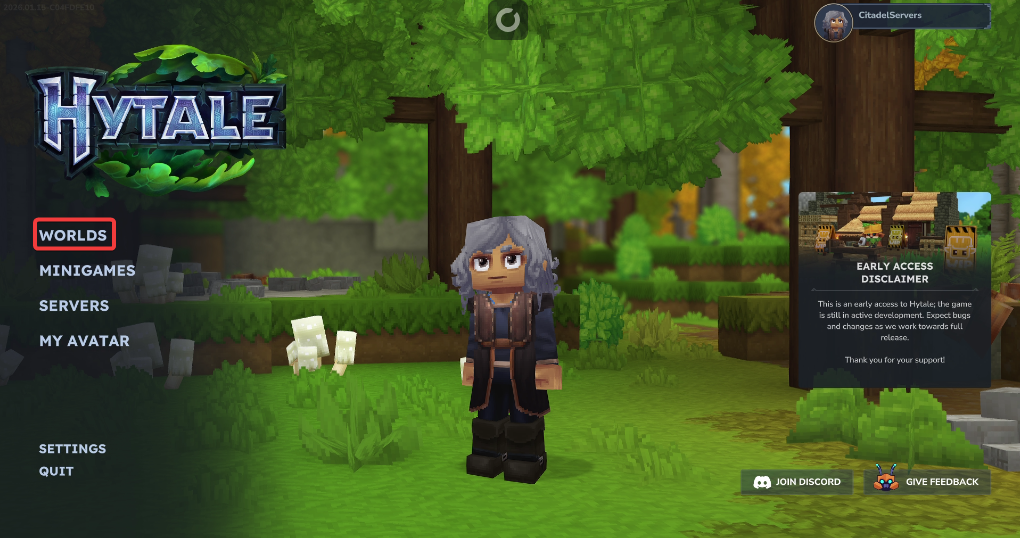
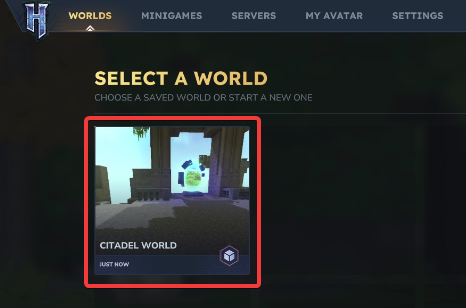
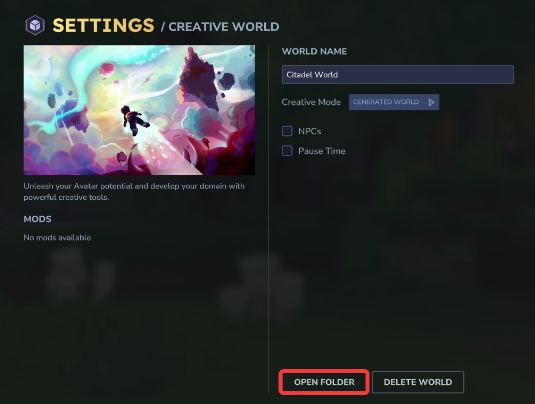
3. Simply right‑click the world you want to work with.
7. Before making any modifications, stop the server from running by clicking the Stop button.

8. Navigate to the File Manager Tab.
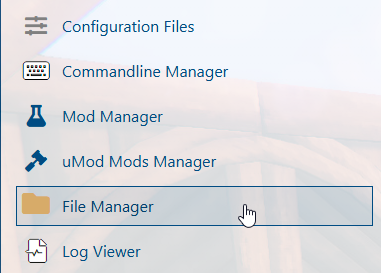
9. On the File Manager tab, look for the universe folder.
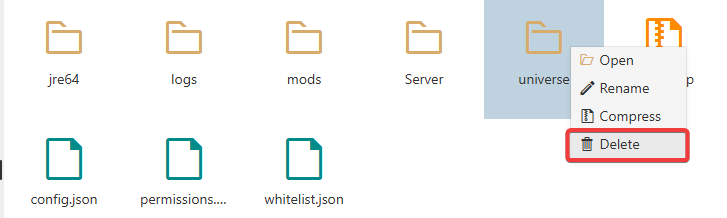
10. Upload both the players folder and the memories.json file by dragging and dropping.
When transferring files, we highly recommend using FTP tools such as FileZilla.
11. Start the server.